Invoices
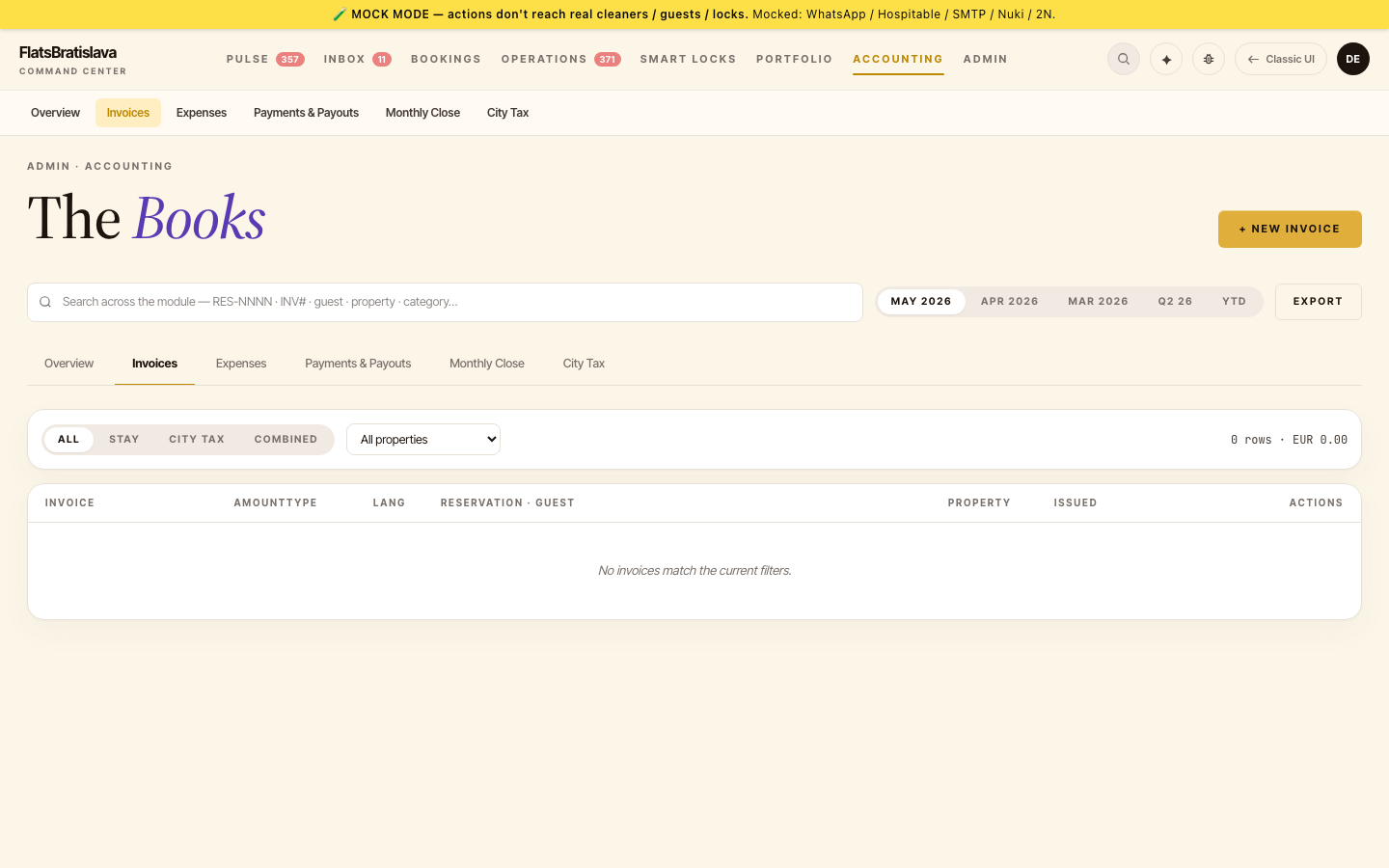
The Invoices tab is where you generate, view, and re-issue invoices — for guests, for owners, and for city-tax reporting.
Generate from reservation
The most common flow: open a reservation drawer → INVOICE section → GENERATE.
What the modal asks for
the Generate from reservation modal includes the legacy parity fields the V28 version was missing:
- Guest invoice details: name, email, address — pre-filled from the reservation, editable.
- Property — set automatically.
- Language — picked automatically from the guest's invoice language preference, but operator can override.
EN vs SK labels
If the language is English, the entire invoice PDF renders in English — including the supplier block.
The label set is picked from the LabelSet for the chosen language; missing translations fall back to English.
Existing invoices
If an invoice has already been generated for this reservation, the INVOICE section shows a link to the existing invoice instead of the GENERATE button. The link opens the PDF in a new tab.
To re-issue or correct: open the existing-invoice link, hit RE-ISSUE at the top of the PDF preview, edit fields, save. This creates a new invoice row and marks the old one as superseded.
Invoice-generation tasks
Some properties have a task template Rule 23 — Generate invoice for stay that auto-spawns an invoice-generation task at check-out. The task's overview reads Invoice requested for <property>.
City-tax invoices
City-tax invoices are issued monthly per property in bulk — open the City tax page → pick a month → GENERATE CITY-TAX INVOICES to issue all reservations for the month at once.