Task Notifications
When a task is created or its state changes in a way that needs operator attention, the platform sends an interactive WhatsApp notification to the assignee. The teammate replies with a button tap — accept, snooze, mark done, reassign — and the task state updates without anyone opening the dashboard.
Where the notifications go
| Audience | Triggered by |
|---|---|
| Host (assigned to the property) | New task created, auto-resolve blocked, guest dispute |
| Cleaner (assigned to the property) | Cleaning scheduled, cleaning overdue, photo requested |
| Admin (you) | High-priority escalations, auto-resolve blocked when no specific role can handle it |
What an interactive notification looks like
A typical task notification (WhatsApp template task_notification_v2):
*New task: Send Check-in*
Reservation: Castle&River Luxe-Vydrica · Johanna
Due: 18/05/2026 19:00

[Send now] [Snooze 1h] [Reassign]
Tapping a button:
- Send now → fires the action, marks the task done.
- Snooze 1h → updates
dueDateTime, sends a re-notification at the new time. - Reassign → opens a follow-up flow that asks who to reassign to.
The 24h WhatsApp window
Meta only lets us send free-text messages to a number that messaged us in the last 24 hours. Outside that window we must use a pre-approved template.
The platform handles this transparently:
- Window open (recent inbound from the assignee) → send the rich, interactive template OR free-text where appropriate.
- Window closed → fall back to the
task_resolved/task_notification_v2approved template.
If neither is possible (no number, opted out, Meta returned an error), the platform logs to app_errors and you'll see the failure in Admin → Activity Log.
Notification flood prevention
Photo uploads and other bulk events are deduplicated, so one operator action produces one notification. If you ever see a notification flood:
- Note the trigger event (what did you do that produced N+ messages?).
- Check Admin → Activity Log for the source.
- File a bug with the
notificationsandseverity:highlabels.
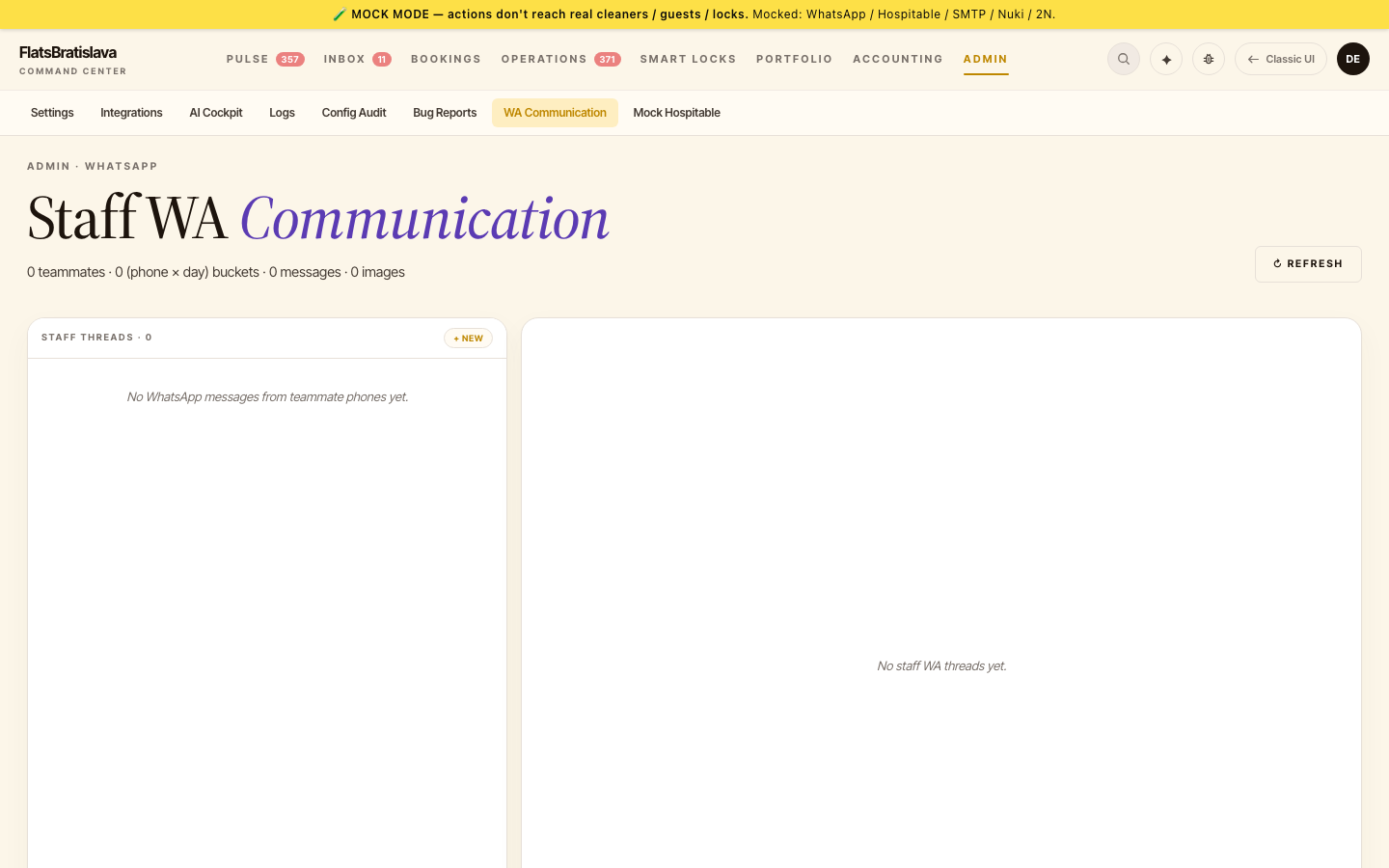
Admin chat visibility on /v28/wa-comm
Admin-uploaded photos and admin chat messages appear inline on /v28/wa-comm, in the same thread as guest messages, with an ADMIN tag.
Delivery on a closed WhatsApp window
When a free-text send hits a closed 24h window, the platform automatically falls back to a template-based send — a closed window never silently drops a message.
If you ever see a task marked done but the guest insists they got no message, check:
- Activity Log for the task ID → was the send recorded with
templateUsed: true? - Webhook Logs for the
/messagessend → did Meta return 200 and amessages[]array?
If both look fine but the guest still has nothing, escalate — the issue is downstream of our integration.