Reports
Reports
Every operational metric the platform produces — revenue, payouts, messages, occupancy — lives under Reports.
In this section
- Reports Hub (this page) — the landing page that points to each report
- Revenue Report — per-property revenue breakdown
- Payout Report — owner payouts owed and paid
- Messages Report — message volume + AI/human split
- Revenue Simulation — forward-looking what-if tool
- Reservation Report — the operator-friendly reservation table
Reports Hub
The Reports landing page (/v28/reports) lists every report with a one-line summary.
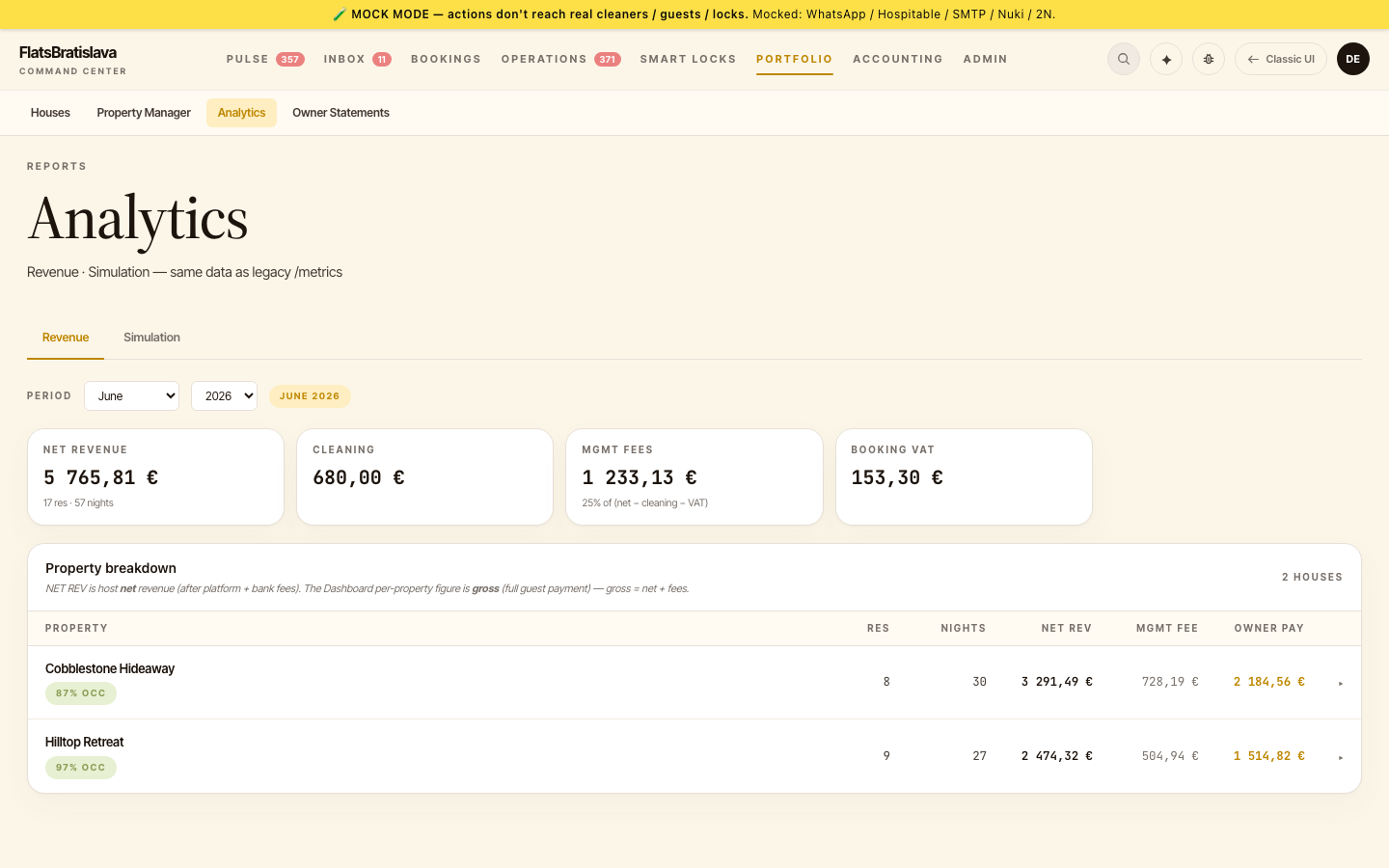
Each tile links to the report. Reports respect tenant boundaries — you only see data for the tenant you're logged into.
V28 vs legacy
Many reports have a V28 version (newer design, faster, paginated) and a legacy version at /metrics. The V28 versions are at feature parity with /metrics for day-to-day use.
The V28 Payout Report's From/To filters scope everything on the page — including MARK N PAID, which applies only to the filtered date range.
Date filters
All reports take a From/To date range:
- From defaults to start of the current month.
- To defaults to today.
- The filter applies to the report's primary date column (Revenue Report → check-in date; Payout Report → payout-due date; etc.).
Source: the luxury.host operator manual.