Cleaner Walkthrough (plán)
The cleaner walkthrough is a multi-step WhatsApp conversation cleaners use to receive their day's plán (schedule), confirm each cleaning, submit photos, and report issues. It's the cleaner-facing version of the dashboard.
Triggering the plán
A cleaner messages the bot with the word plán (Slovak) or plan (English). The bot replies with a list of their scheduled cleanings for the day (or the next day if they ask later in the evening).
Example reply:
Tvoj plán na dnes (Pondelok 19. mája):
1. Castle&River Luxe-Vydrica
Check-out: 11:00 — guest: Johanna
PIN: 847291
2. Pristavna
Check-out: 12:00 — guest: Marcus
PIN: 219485
3. (no further cleanings)
Odpovedz s číslom úlohy aby si začala. Napríklad "1" pre Vydricu.
Walking through a cleaning
The cleaner replies 1. The bot:
- Marks the cleaning as in-progress.
- Sends the first checklist step (e.g. "Step 1: Strip the beds. When done, send 📷 Foto").
- Waits for a photo OR a free-text status.
- On each step, validates the response, asks for the next photo.
- After the last step, marks the cleaning done; the corresponding task auto-resolves.
After:
- Photos are accepted without the literal
📷 Fototap — just send the photo and it's recognised. - The next step is prefetched in the background so there's no perceived delay between steps.
Free-text replies and photo reports outside the strict checklist flow are routed through LLM intent classification — matched to the right step, escalated to ops as a question, or filed as a cleaning_issue task.
Language handling
The walkthrough is sent in the cleaner's language (teammates.language) — button labels, prompts, and cleaner-facing text all in the same language.
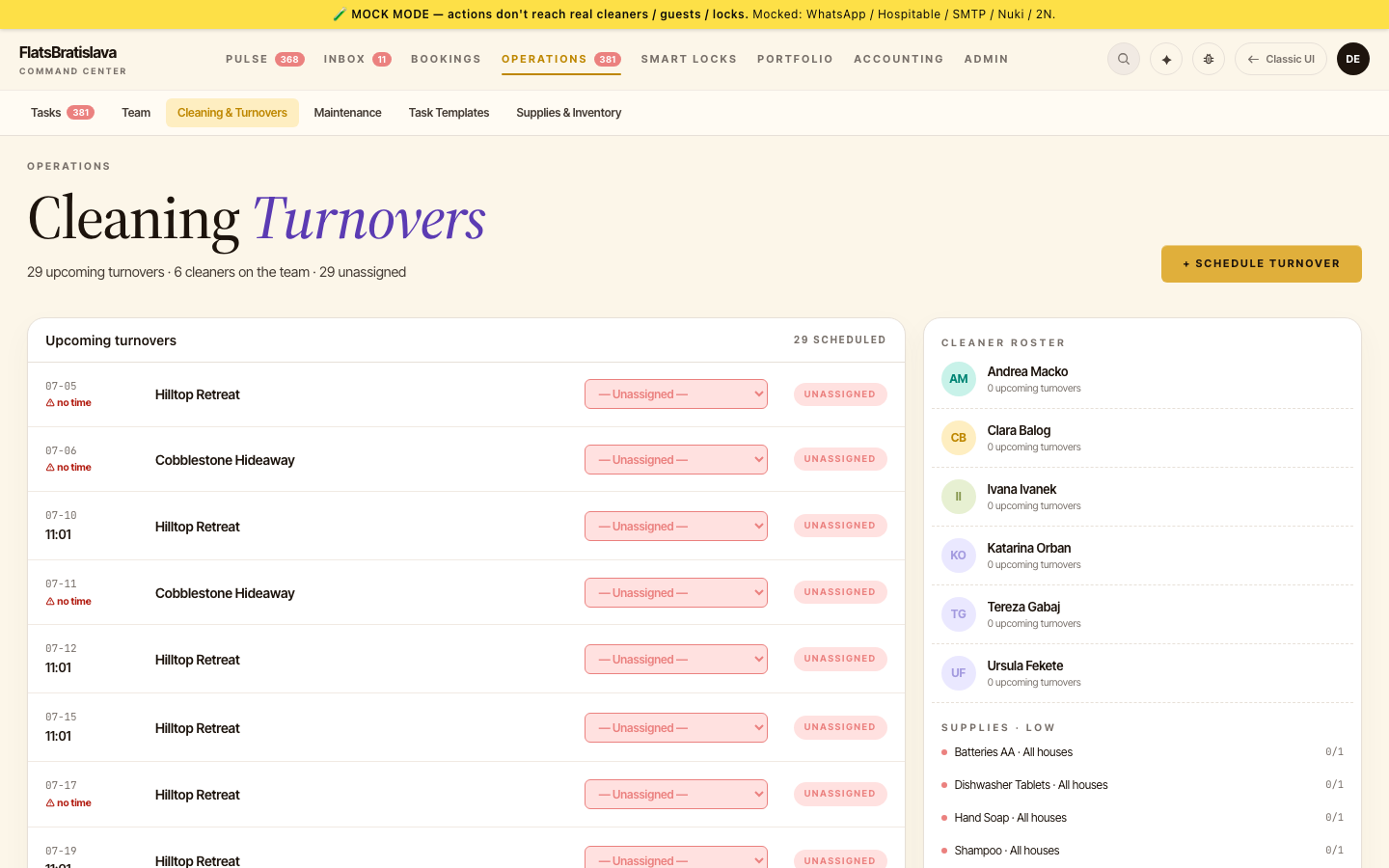
Dashboard-assigned cleanings appear in plán
Cleanings assigned via the dashboard (rather than auto-routed from the cleaner pool) appear in the cleaner's plán alongside auto-routed ones — every SCHEDULED cleaning shows.
Cleaner reports a problem
If during a cleaning the cleaner finds an issue (broken appliance, missing supplies, damage), she can:
- Photo + caption describing the issue → routed through LLM intent classification → filed as a
cleaning_issuetask assigned to the host. - Free text in cleaner language → same classification path.
- Tap a
Problémbutton if the walkthrough offers it → opens a structured problem-report sub-flow.
All three paths work.
Manual unassignment is respected
If you manually unassign a cleaner, the automated assign_cleaner task action will not clobber that decision — a manual unassignment sticks until you assign someone again.