Refine button
When a draft is blocked by the outbound validator, the operator sees three options on the draft surface — V28 inbox, V28 Pulse task tile, mobile thread, legacy DueTodayTaskCard, mobile MobileTaskResolveSheet, task-drawer V28TaskRowActions, dashboard task-card.
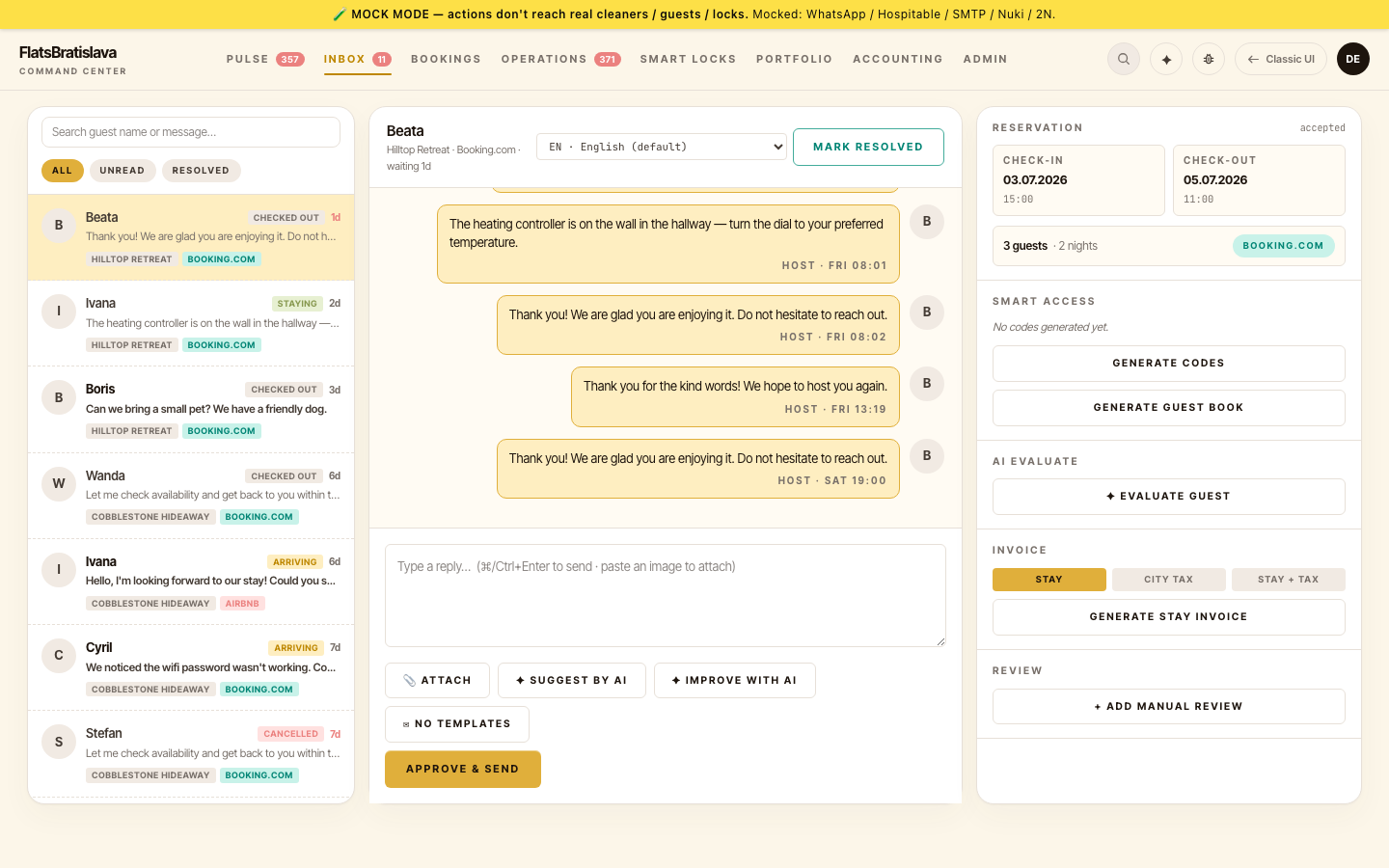
The three buttons:
| Button | What |
|---|---|
| Refine | Run one refinement pass: the validator's findings get fed back to the LLM, which rewrites the draft addressing them. Re-validate; if clean, send; if still blocked, return for another decision. |
| Send Anyway | Override the block + send the draft as-is. Audit row written with validatorVerdict=overridden. Use when the validator is wrong. |
| Dismiss | Discard the draft + mark the task done without sending. Use when no send was needed in the first place. |
Where they appear
-
the sibling-site sweep, the 3-button surface is consistent across:
-
V28 Inbox composer (parent — operator's primary surface)
- V28 Pulse task tile
- V28 Task drawer / V28TaskRowActions
- V28 Dashboard task-card
- Legacy DueTodayTaskCard
- Mobile thread
- Mobile MobileTaskResolveSheet
All 8 surfaces use the same component — identical buttons, identical behaviour everywhere a draft can be blocked.
The validation banner
Before the 3 buttons, the surface shows an operator-friendly summary of why the validator blocked:
⚠ This draft was blocked by Parking-info-relevance (MAJOR). The validator flagged: "the draft mentions parking but the guest never asked about parking."
The message is operator-friendly: a human label + the finding in plain English.
Refine result UX
When you tap Refine, the surface shows a VALIDATING indicator while the refine + re-validate runs. Either:
- ✓ Refined + cleared → composer re-populates with the refined draft → tap SEND to send it.
- ⚠ Refined but still blocked → surface returns with the new validator finding + the 3 buttons again.
Refine guards
A refine pass never copies a prior message from the thread and never leaves unresolved placeholder text in the draft. If you see either in a refined draft, file it via the in-app Bug Report.