Special requests
When a guest says "I need parking" or "I'd like wine for arrival" or "Can I bring my dog?" — that's a special request. The platform detects them automatically and routes them through an approval flow before anything guest-visible happens.
How detection works
Inbound guest messages run through an LLM classifier. The classifier is prompt-driven:
- The system prompt is a per-tenant editable LLM prompt (see AI Cockpit → Prompts, slug
special_request_detection). - The prompt is the single source of truth for what counts as a special request.
- No hardcoded category list in code.
When the classifier detects a request, it emits:
- A category (e.g.
wine,parking,beds,early_checkin,late_checkout,pet,other) - A normalized intent (e.g. "guest requested wine for arrival")
- A confidence score
Approval-gated
Detected requests do NOT auto-apply to the reservation. Instead they spawn an approval task:
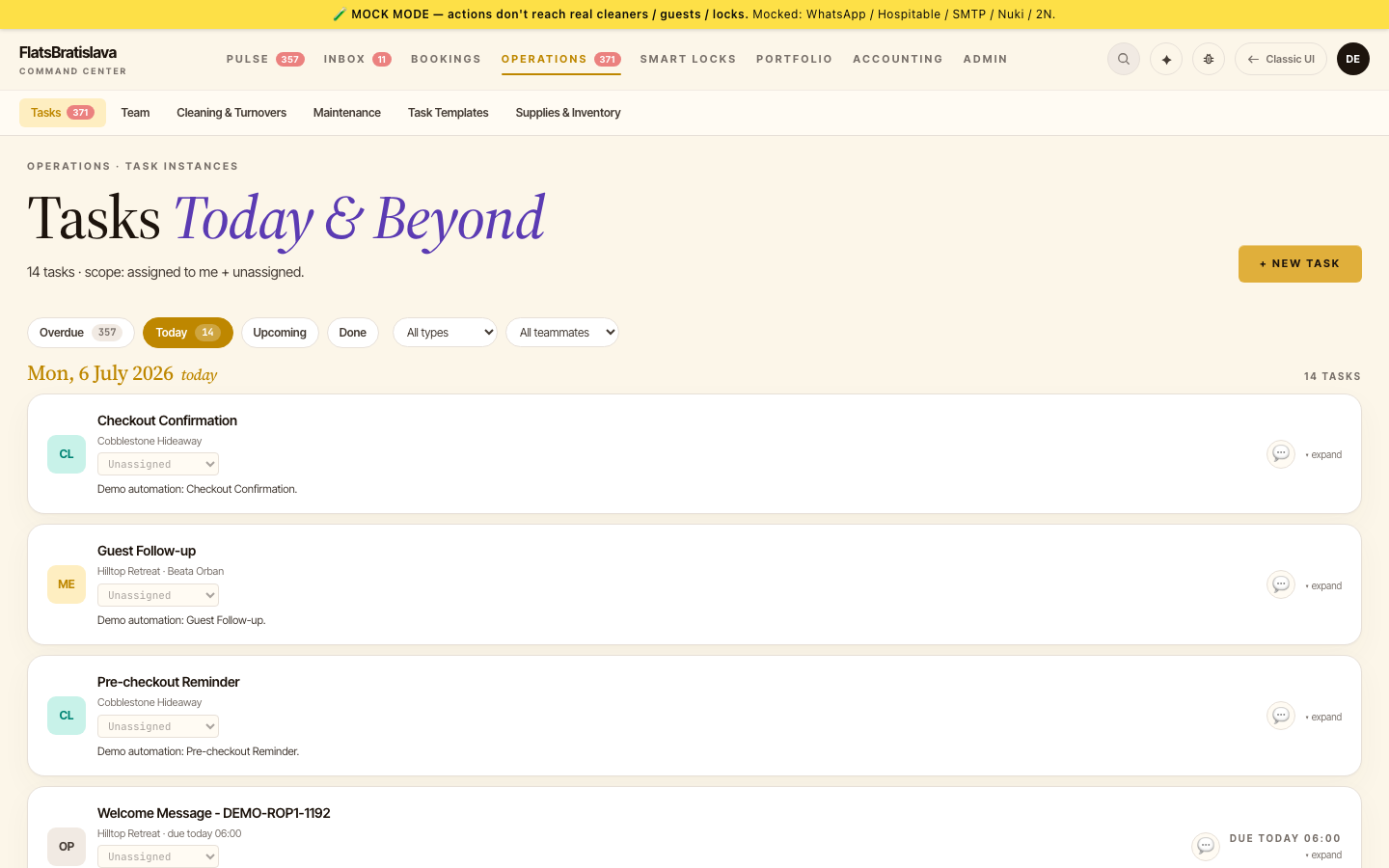
Special request noted: <category>task lands in Operations → Tasks.- The task drawer shows the guest message + the classifier's read + buttons: Approve / Reject / Edit.
Approving the task writes the approval state to the reservation — e.g. an approved early check-in sets the early-check-in flag + the approved time, so the cleaner sees it in their plan and downstream rules react to it. Marking the task done is never a no-op.
What "Approve" does
For each category, approval writes specific fields:
| Category | Approve writes |
|---|---|
early_checkin |
reservations.earlyCheckin=1 + earlyCheckinTime=<time> |
late_checkout |
reservations.lateCheckout=1 + lateCheckoutTime=<time> |
wine |
reservations.specialRequest += wine chip |
parking |
reservations.specialRequest += parking chip |
beds |
reservations.specialRequest += beds chip |
pet |
reservations.allowPet=1 + chip |
other |
reservations.specialRequest += free text |
These writes propagate to:
- Calendar chips (🍷 wine / 🛏 beds / 🅿️ parking /
eCI? @13:00) - Cleaner
plán(so the cleaner knows what to prepare / when to finish) - Reservation drawer
What "Reject" does
Writes the rejection reason to the task + sends an AI-drafted reply to the guest declining the request (operator reviews before send).
What "Edit" does
Opens the inline editor — change the category, change the time, change the chip text — then approve with the edited values.
Per-tenant configuration
Every aspect is operator-tunable per-tenant:
- The detection prompt (AI Cockpit → Prompts).
- The category → field mapping (Task Templates editor).
- Which categories require approval vs. auto-apply.
A tenant that's OK auto-approving early check-ins under 2h before standard time can flip a per-rule requireApproval=false and skip the human step for that band.
What if detection misses
Some requests slip through. The